

Server endpoint
Connect over streamable HTTP at:Authentication
There are two ways to authenticate, both on the same endpoint. The connection steps differ, so pick the one that fits your client:- OAuth sign-in (recommended): connect with the server URL alone and authenticate in your browser. No key to manage, and it is the simplest way to connect an interactive client.
- API key: send your
taste_key as a Bearer token. Works in any MCP client and is the right choice for headless or CI use, where no browser is available.
Connect with OAuth sign-in
Pick your client. In every case you add the server by its URL, with no key, and finish sign-in in the browser when prompted.- Claude Code
- Codex
- Cursor
- Other clients
Add the server by URL, with no header:Run
/mcp inside Claude Code to complete authorization and list the tools. Manage the server with claude mcp list, claude mcp get taste-engine, and claude mcp remove taste-engine.

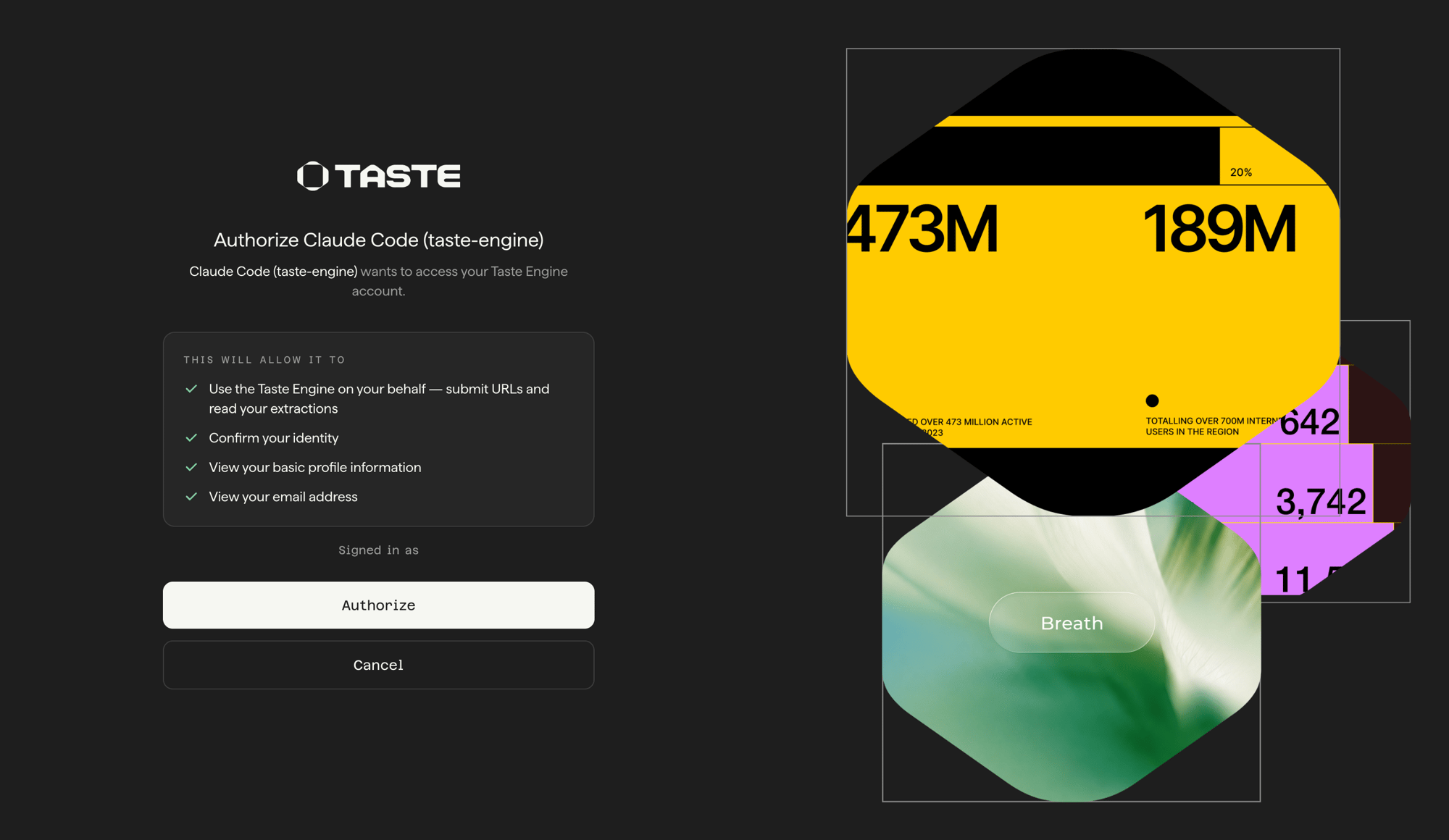
Authorizing Claude Code to access your Taste Engine account during the browser sign-in flow.
Connect with an API key
Use an API key for headless or CI environments, or any client that doesn’t support OAuth. Send yourtaste_ API key as a Bearer token:
X-API-Key header. An invalid key surfaces as a 401. Create and manage keys in the Engine dashboard; see Authentication for the full model.
Pick your client. In every case you swap YOUR_API_KEY for a real key from the dashboard.
- Claude Code
- Codex
- Cursor
- Other clients
Add the server with the Claude Code CLI:Run
/mcp inside Claude Code to confirm the connection and list the tools. Manage the server with claude mcp list, claude mcp get taste-engine, and claude mcp remove taste-engine.Available tools
Four tools mirror the submission lifecycle:poll_brand_extraction reports a top-level status that advances through accepted, queued, crawling, and extracting before reaching completed or failed. Call get_brand_extraction_result only once status is completed.
Ask for fewer sections
Passsections to extract_brand to choose the work before it starts:
sections or pass null for a full extraction. An empty list or an unknown name is invalid. See Available sections.
This can reduce extraction time. It does not change the credit price. Selective results are saved for later retrieval but never used as cache sources. An eligible full cached extraction can still satisfy a selective request when force is false.
Read fewer sections from an existing result
A full brand system is often 10,000 to 30,000 tokens, and it isn’t evenly distributed:assets is commonly around 40% of it and layout around 20%. Every one of those tokens lands in your agent’s context.
get_brand_extraction_result takes an optional sections list so the agent pulls only what it will read. This filters the existing result and does not start new extraction work:
profile, layout, colors, typography, surfaces, elevation, interactions, actions, navigation, data_display, structure, icons, assets, and sections.
result.artifacts is never filtered out, so a narrow call still returns the screenshot, HTML, and CSS links. Omit this filter to return all originally requested sections. It cannot add sections omitted from the original extract_brand call. The response’s top-level sections preserves that original selection, or null for a full extraction.
What you save is context, not credits.
get_brand_extraction_result never spends a credit, whether you read one section or all of them.Search tools
Two more tools search the curated brand corpus. Unlike extraction, they run synchronously: the call returns the results, with nothing to poll.
Both return the same result cards:
url, brand_name, identity_paragraph, tags, palette, typography, and screenshot_url. A card points at a brand in the corpus, it is not an extraction, so to work with a result the agent extracts it with extract_brand(url). A failed search refunds its credit. See Brand search for the full model.
search_similar_brands requires a completed full extraction. Call extract_brand without sections when you need similarity search. Selective submissions are rejected, including those served from a full cache hit.
Brand adherence tools
Four tools mirror the brand-adherence flow: judge how well a page follows a reference site’s brand. Like extraction, verification is asynchronous.
Both sides are extracted automatically, so
extract_brand is not a prerequisite. poll_brand_adherence reports a top-level status that advances through accepted, extracting, and judging before reaching completed or failed.
How an agent uses it
Extract a brand you know
Extraction is asynchronous, so the agent follows the submit, poll, read loop:1
Submit a URL
extract_brand("https://stripe.com") returns a submission_id right away.2
Poll for status
poll_brand_extraction(submission_id) until status is completed. Stop on failed and read the error field for the reason.3
Read the brand system
get_brand_extraction_result(submission_id) returns result.design_system (the brand system) and result.artifacts (the captured screenshot, HTML, and CSS).get_brand_extraction_result with its submission_id (find it via list_brand_extractions) instead of submitting the URL again.
Every
extract_brand call consumes credits, even when the result is served from cache. A cache hit is faster, not free. Re-reading an existing result with get_brand_extraction_result does not spend again. See Caching and freshness.Find a brand you can only describe
When the agent doesn’t have a URL, it searches first and extracts second:1
Search by aesthetic
search_brands("dark brutalist developer tools") returns ranked cards right away, each with a url and a screenshot_url the agent can fetch to see the brand.2
Extract the one you want
extract_brand(card.url), then poll and read as above. Searching surfaces the brand; extracting is what produces a brand system you can build from.search_similar_brands(submission_id) runs the same loop from the other end: start from a brand you already extracted and get its visual neighbours.
Find inspiration walks this workflow in full, including how to write queries and when to use filters. The brand-search skill teaches the agent the same discipline: which search tool to call, how to write the query from the prompt’s own words, and how to inspect every result before choosing.
Verify what the agent built
Brand adherence closes the loop: after generating or rebuilding a page, the agent scores its own output against the reference brand and applies the returned fixes.1
Start the job
verify_brand_adherence("https://stripe.com", "https://staging.example.com") returns an adherence_job_id right away.2
Poll for status
poll_brand_adherence(adherence_job_id) until status is completed. Stop on failed and read the error field for the reason.3
Read the verdict and act on it
get_brand_adherence_result(adherence_job_id) returns the score, the recommendations, and the fixes, both worst-first. The agent applies them, redeploys, and re-verifies.Extract or verify a page on localhost
extract_brand and verify_brand_adherence crawl the URLs themselves, so a page must be reachable from the engine. You can use a publicly facing URL directly. If the page is served by a server running on localhost, make it reachable over the Tastelabs SSH tunnel. Only Tastelabs can access a page exposed this way.
SERVER_PORT accordingly, then pass the printed URL as url to extract_brand or as candidate_url to verify_brand_adherence. The tunnel closes when ssh exits or the deadline passes, and a submission against a closed tunnel fails with Page not reachable. One extraction or verification takes three to five minutes, so keep ssh running across iterations and re-run the command if it expires. For static files without a server, use the Python built-in server:
A
crawl-<uuid> URL names whatever you publish behind it right now, not a site, so it is never served from cache. Every submission of a tunnel URL runs a fresh extraction.Next steps
Install the skills
Pair the server with the agent skills that find design references, ship on-brand pages, and verify them against the reference.
The design system
Understand every section the tools return.